Your documents, close at hand
Open files and find them again through Recents, Favorites and file search. Continue from your saved reading position.
Baro PDF
Read a PDF, add a handwritten signature, organize pages or turn photos into a document. Keep the essentials together in one app.
For Android 11 and later
Free to use. Contains ads. No subscriptions or in-app purchases.
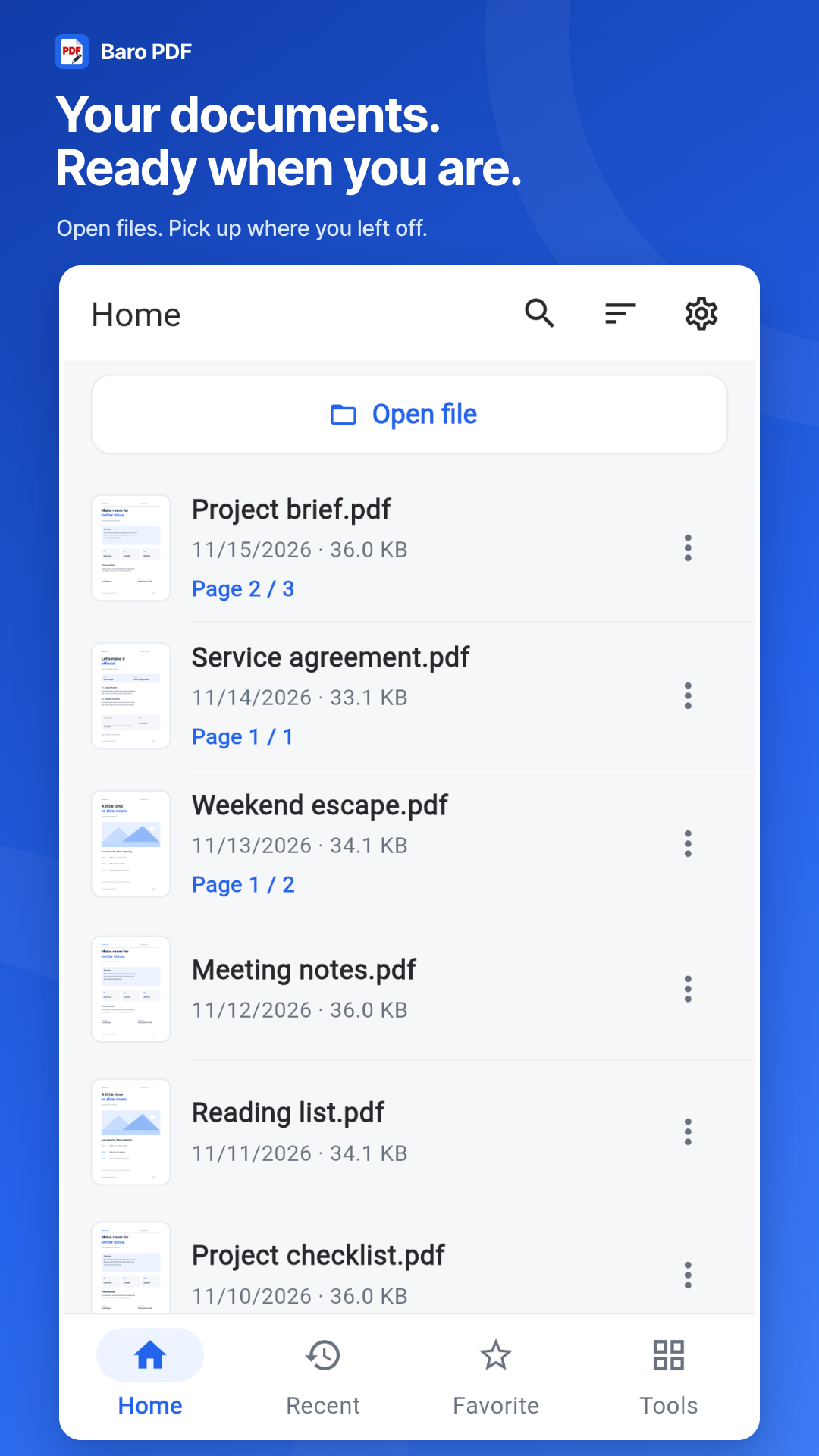
Open files and find them again through Recents, Favorites and file search. Continue from your saved reading position.
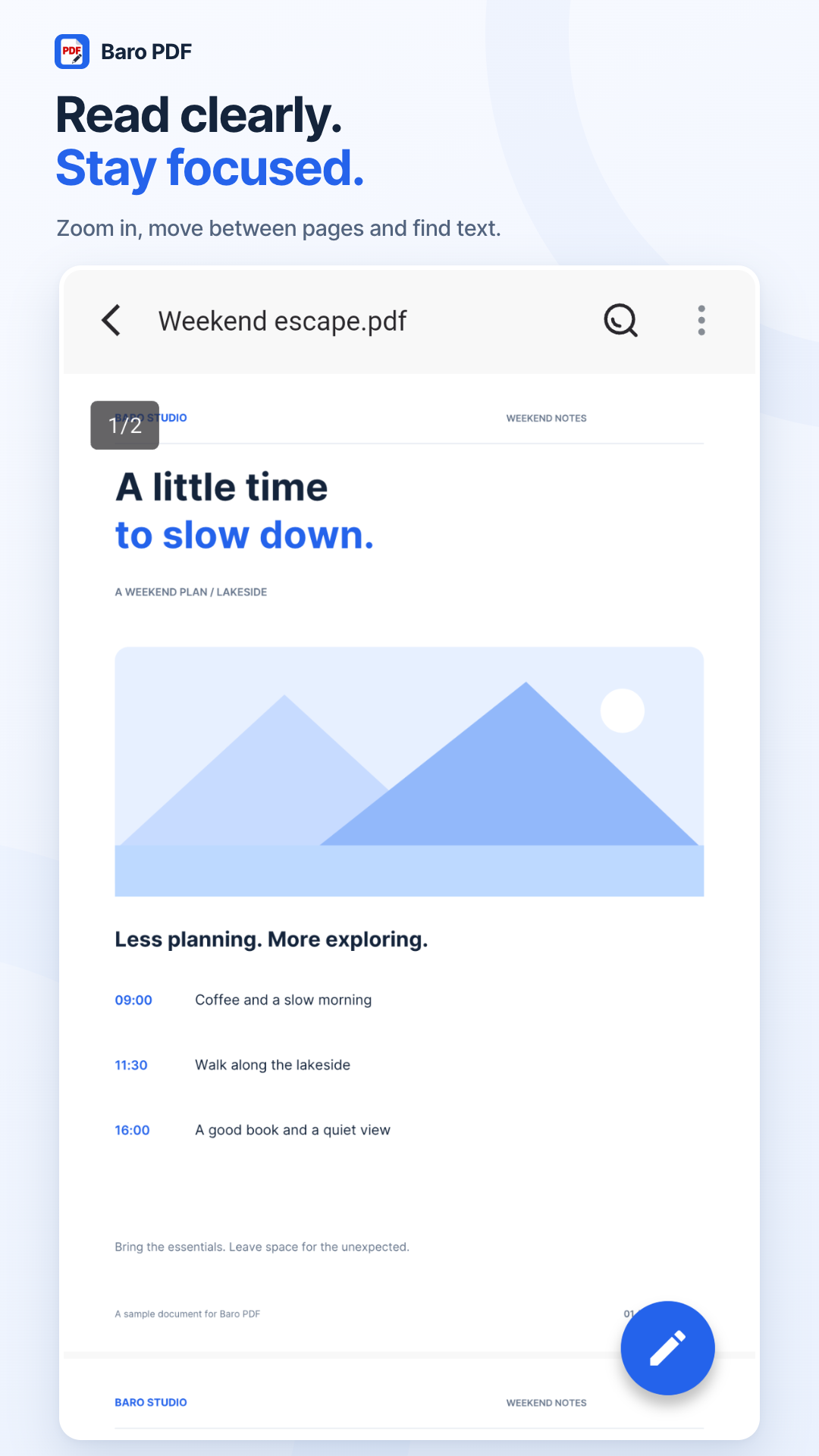
Zoom, move between pages, search document text and copy selectable text. Scanned pages may not contain searchable text.
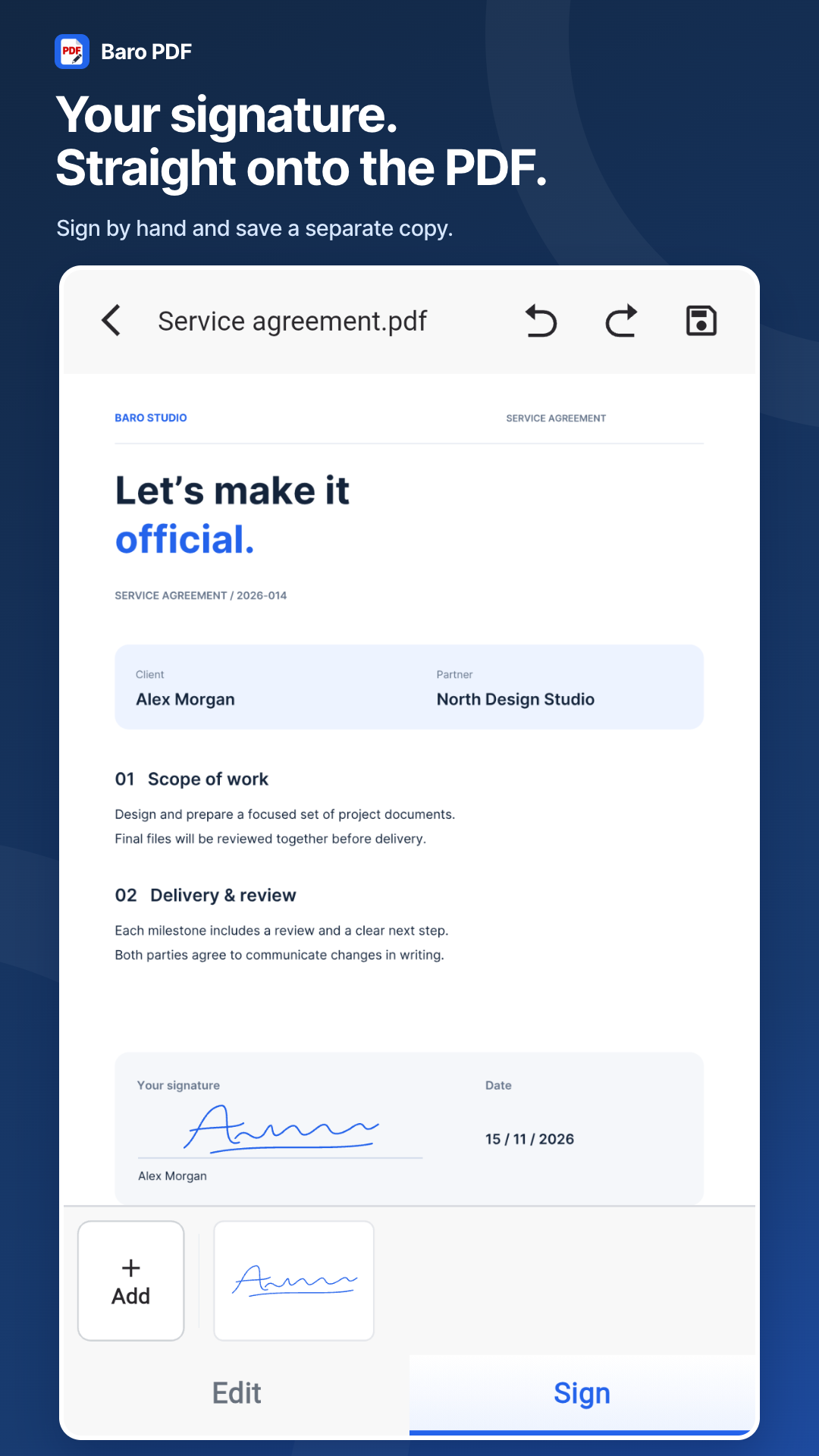
Highlight, draw and place a handwritten signature on a PDF. Save your work as a separate copy.
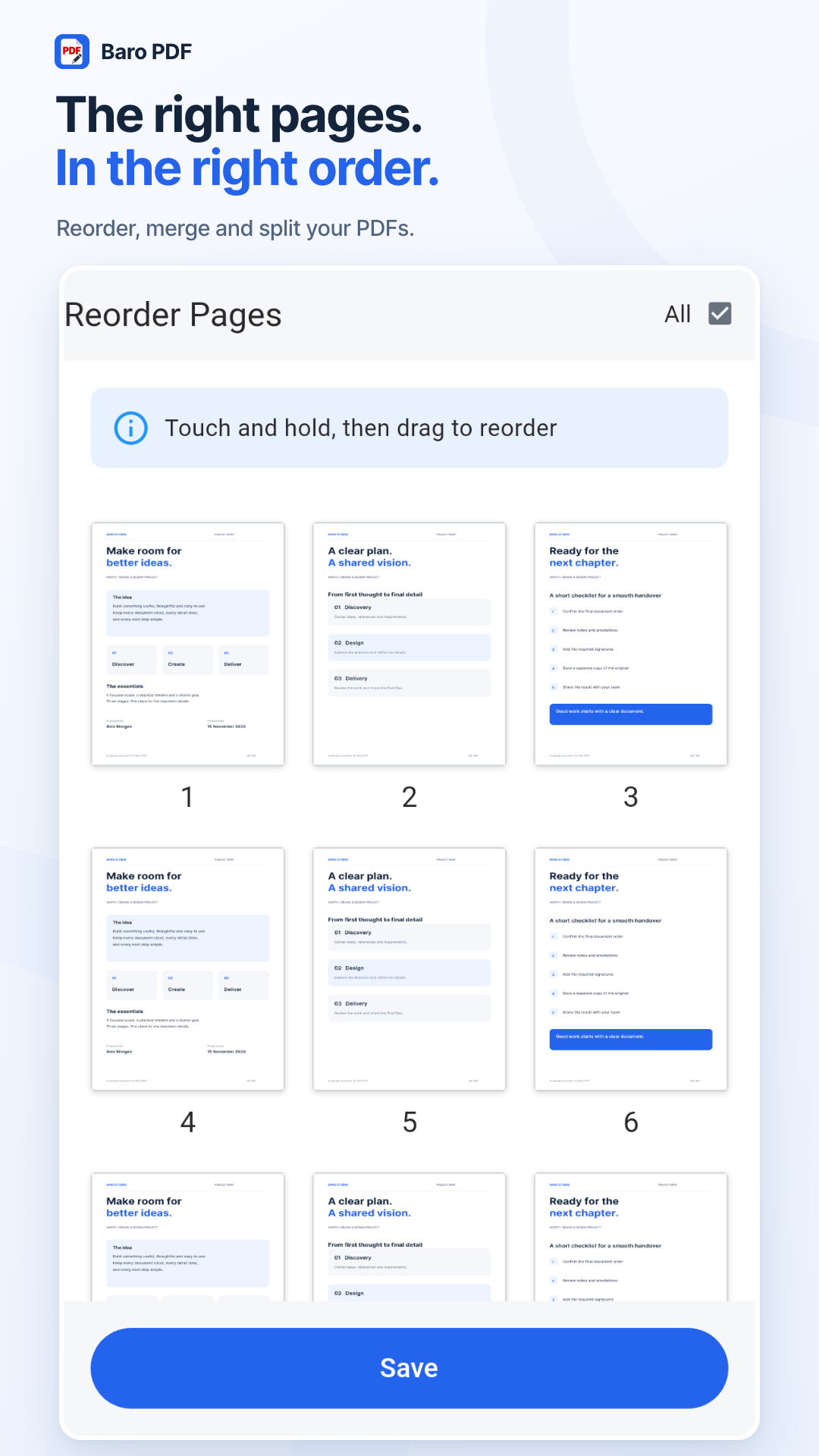
Merge PDFs, split a document, extract pages and change their order.
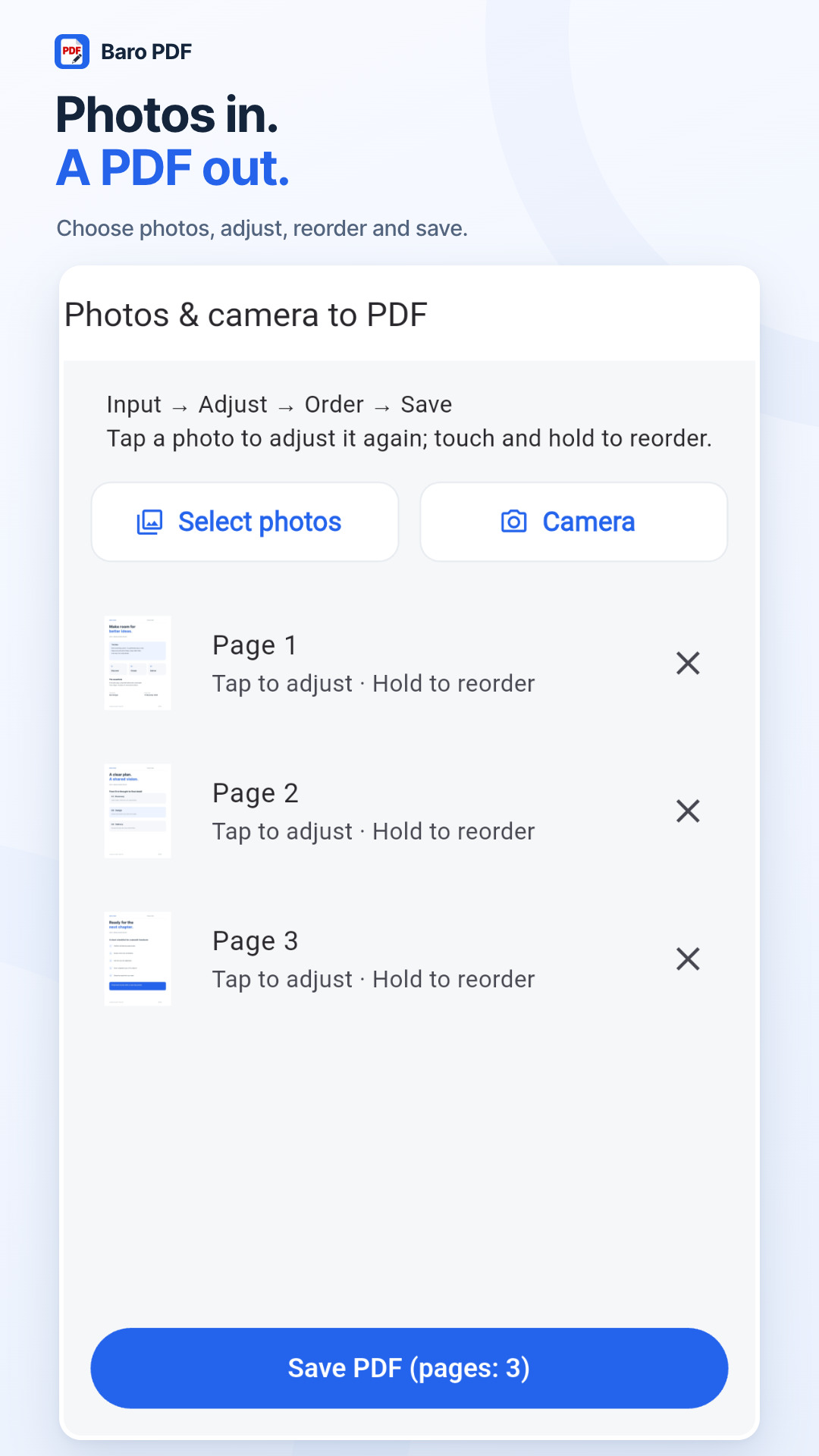
Choose photos or use the camera, adjust the crop and appearance, arrange pages and save a PDF.
Free to use. Contains ads. No subscriptions or in-app purchases.