Find your layout
Combine up to 100 photos in a collage, layer images in freestyle, or explore story templates.
Collage Studio
Turn your favorite photos into a collage, arrange them freely, or start with a story template. Edit the details and save a picture that feels like you.

Android 10 or later · Contains ads
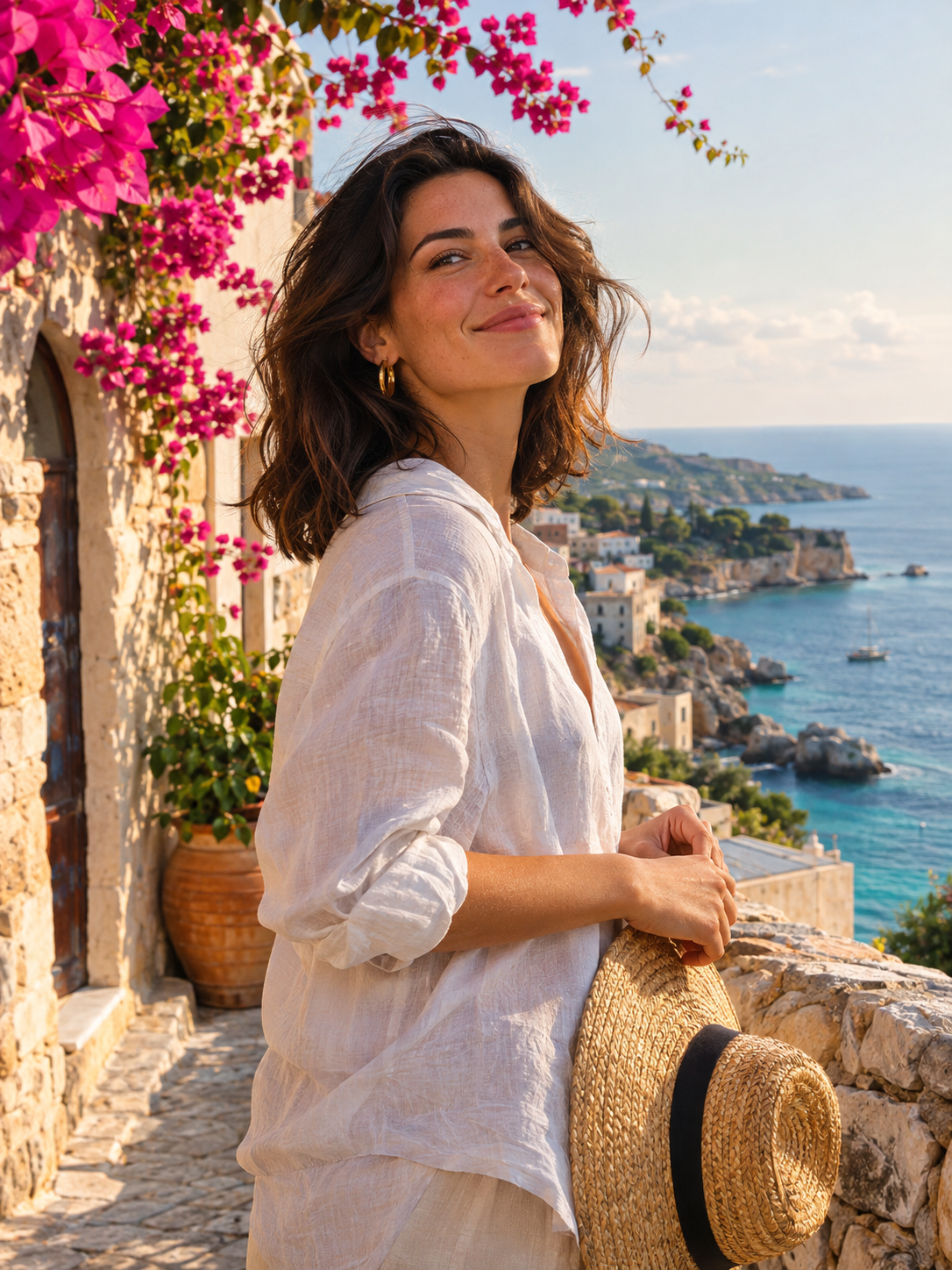

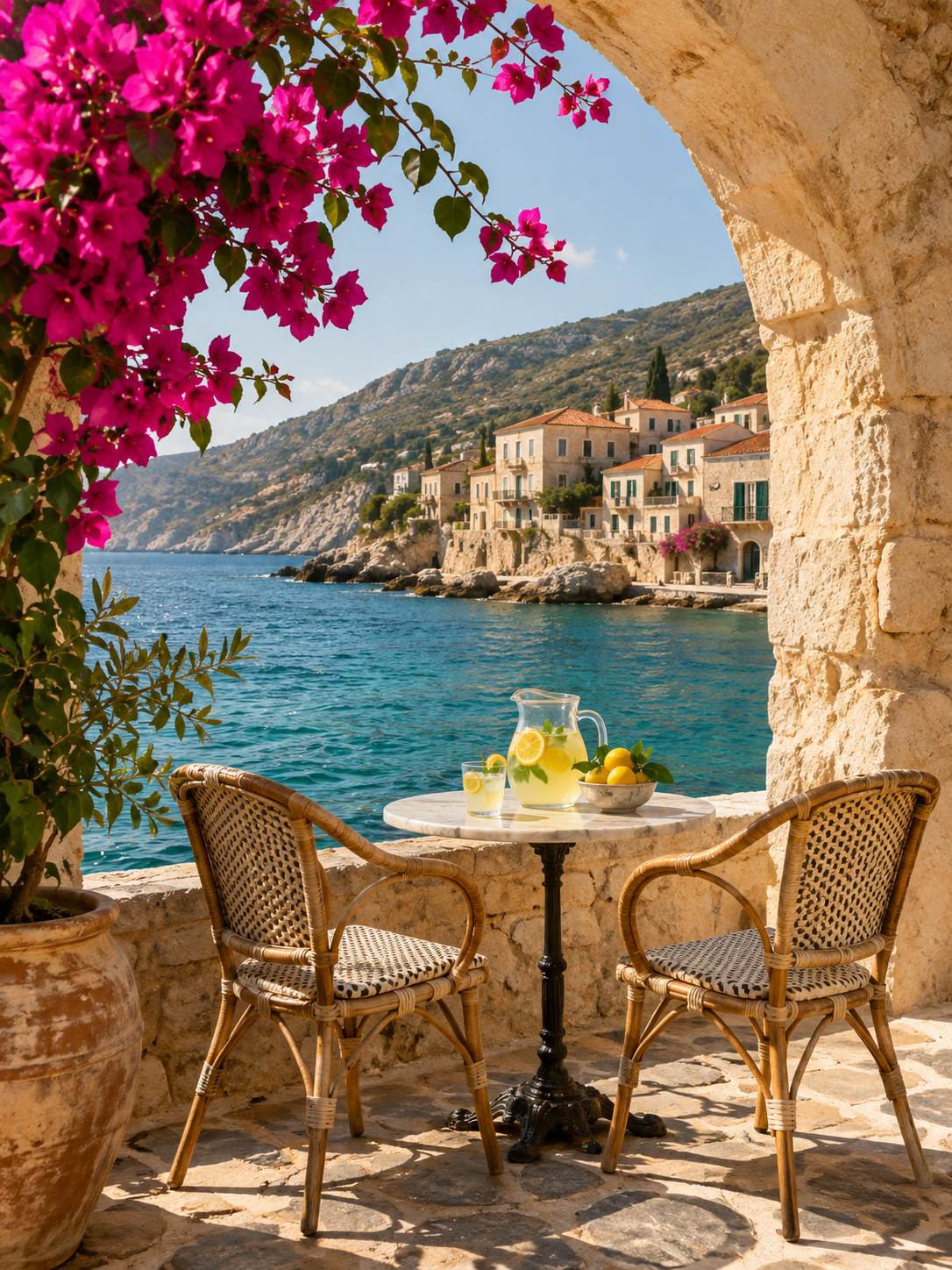
Combine up to 100 photos in a collage, layer images in freestyle, or explore story templates.
Crop and rotate, adjust colors, try filters, and add text, stickers, frames or drawings.
Save a draft and reopen it from the home screen when inspiration returns.
Choose the output size and JPEG quality. Transparent backgrounds are saved as PNG.
Pick your photos and a layout or template.
Move, crop and decorate until it feels right.
Save to your device, share, or keep a draft for later.
Help with choosing photos, editing, saving and returning to your work.